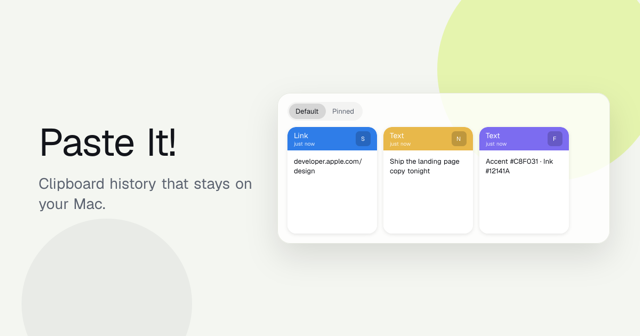
Paste It!
Clipboard history that stays on your Mac.
Local Mac clipboard history with OCR search for text, images, links, and files. Free and open source under MIT.
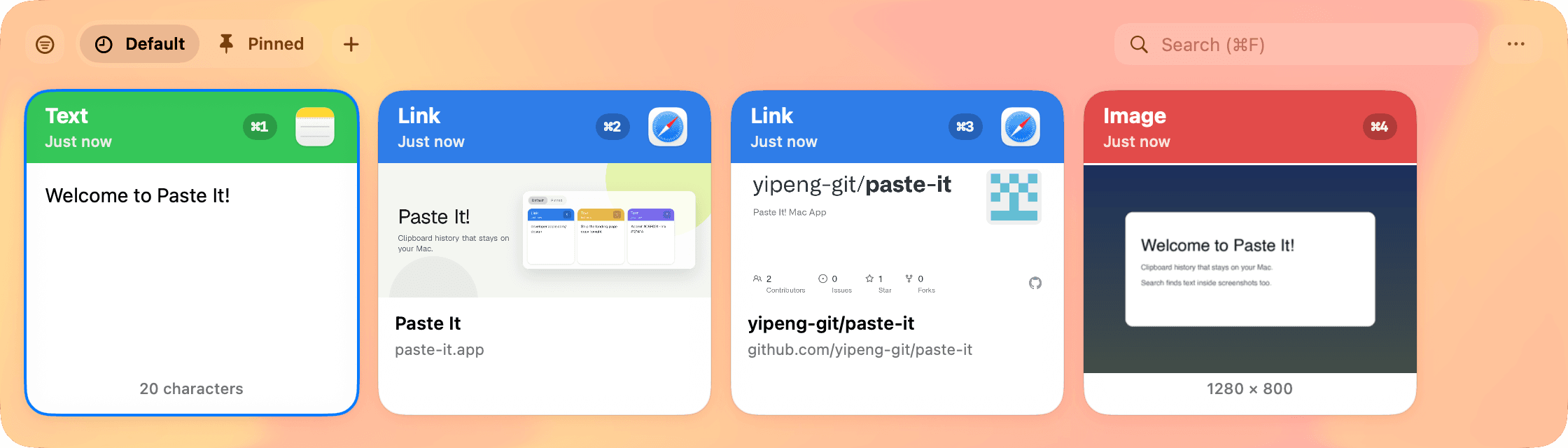
Revisit what you copied
Search local clipboard history for text, rich text, images, files, and links. Set retention and storage limits to suit your Mac.
How to view clipboard history on MacCompare free Mac clipboard managers





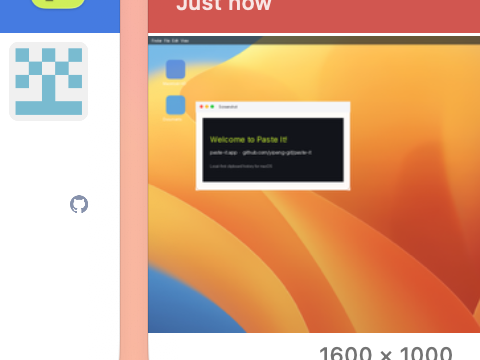


Search the text in your screenshots
Find copied images by the words recognized with OCR, alongside text and links in your history.
Filter by type in one chip
Show only text, numbers, links, images, or files. The filter sticks when you reopen the panel — clear it anytime.
Pinboards & Paste Stack
Keep reusable clips in Pinned and up to three custom folders. Collect a Paste Stack and paste its items in the order you choose.
Private by design
Clipboard history stays on your Mac without iCloud sync. Pause capture, ignore sensitive apps, and choose how long to keep your history.
While paused, copied content is left untouched and never written to local history.
Ready to upgrade your clipboard?
Clipboard history and OCR search for macOS. Free and open source under MIT, for personal and commercial use.